
Municipal asset and operations management
Pilot solution
Assets, documentation, maintenance and responsibility in one overview.
SmartGovIOT helps create shared records of municipal buildings, spaces and technical equipment. It connects information about their condition with documentation, operational tasks and the history of completed work.
The aim is for asset managers to know what is at a site and what needs attention, technicians to find the information for their interventions, and management to gain an overview of unresolved problems and further steps required. The scope of records is prepared according to the specific sites, available information and the municipality's way of working.
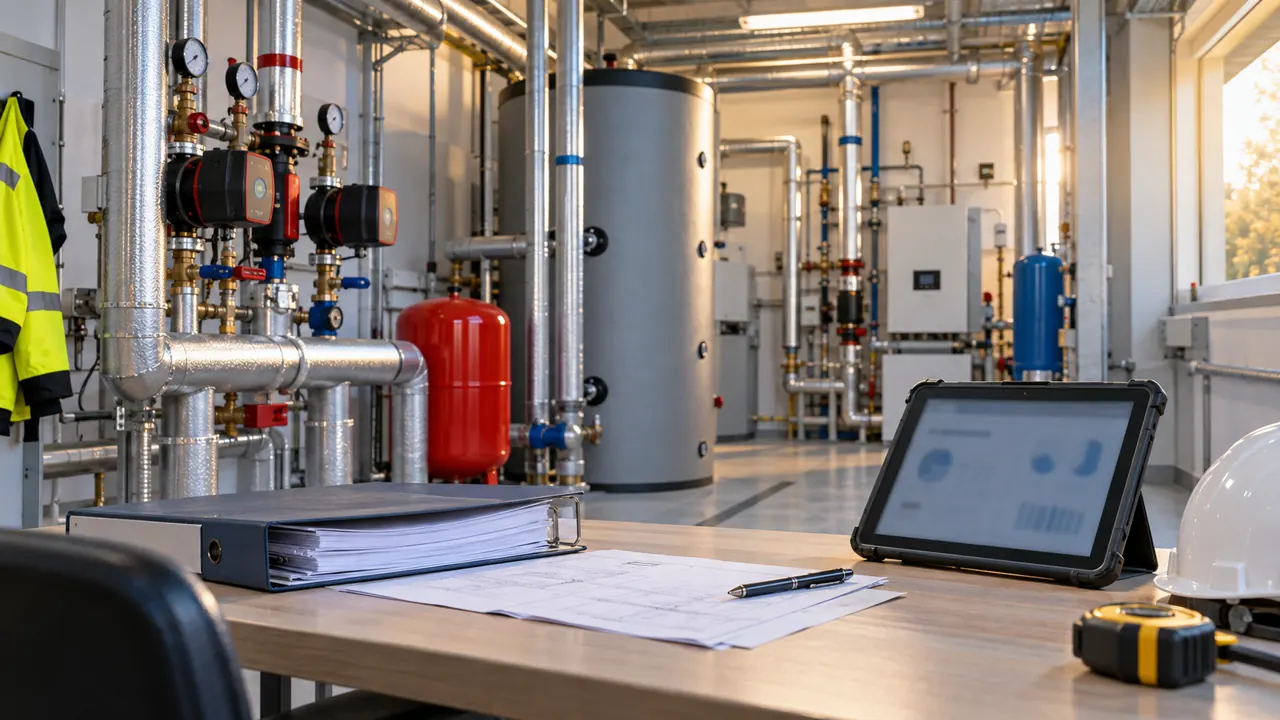
When information exists but has to be found in several places
A building list may be in a spreadsheet, statutory inspection reports in a paper folder, and information about the last repair in one staff member's email. This can work during routine operations. During a fault, inspection or handover of responsibilities, however, it becomes necessary to establish quickly which information is current and which device it belongs to.
Shared records are intended to preserve these relationships. Instead of searching by file name or person, staff can navigate by building, space and specific device.
There is no need to move all the material at once. The first step is to identify which sites and information have the greatest operational importance and what needs checking before inclusion.
What a municipality can manage
Buildings and spaces
A municipal office, school, cultural centre, sports facility or technical site can be divided into spaces according to its actual layout. This helps establish where equipment is located, which part of a building a problem affects and who is responsible for that area.
Technical equipment
Heating, ventilation, distribution boards, pumps, meters and other technical equipment can be assigned to a specific site or space. A record should contain the information needed to identify and manage the device, not merely a general name that cannot distinguish individual units.
Documentation
Designs, manuals, certificates, statutory inspection reports and photographs remain assigned to what they describe. For a document, it is important to know which site or device it belongs to and which period or completed activity it concerns. Older material should not automatically be treated as a description of the current condition.
Faults and work tasks
A problem report can contain a description, priority, related site, responsible person and resolution status. Further findings are added to the same request to preserve continuity from reporting to recording the outcome.
Maintenance, checks and statutory inspections
Planned activities can be linked to equipment, a deadline and the necessary information. Deadlines are based on verified documentation and defined operational requirements; they are not created simply by estimation. Records and notifications support work organisation but do not replace a professional inspection.
Responsibility and history
For a site or task, it should be clear who is responsible for the next steps. The history preserves available information about inspections, repairs and measures taken. When staff change, work can therefore build on the recorded activity without reconstructing the entire process.
From an equipment list to a usable asset register
An imported list is a starting point, not confirmation of the actual condition.
When preparing records, we distinguish data taken from source documents, data verified on site and information that is still missing. If a particular device or its location cannot be identified reliably, that uncertainty needs to be retained and verification planned.
We also distinguish the existence of equipment from its technical condition. An item being included in a register does not yet mean that it is functional, inspected or ready for operation.
This creates a foundation that helps not only with daily work, but also with planning further additions to documentation and field inspections.
What this can look like in practice
Illustrative situation: a heating fault in a municipal building
A staff member records a problem at a specific site. They add the symptoms, the spaces affected and, where appropriate, a photograph. The report need not contain a professional diagnosis—that must be distinguished from the initial description of the problem.
The responsible person takes ownership of the request and determines the next steps. They find the available manual, previous interventions and relevant documentation alongside the equipment record. Findings and actions taken are added to the task being addressed.
After the repair, the work performed, result and any recommendation for further action are recorded. If another check or a component replacement is still required, that information should not disappear when the original report is closed.
If the problem recurs, staff can build on the previous intervention. Management also has information for assessing whether this is routine maintenance or equipment that deserves attention in renewal planning.
The example describes a proposed way of working within an agreed pilot scope, not a specific customer implementation.
Working with a supplier without an external account
The pilot does not include user accounts or SmartGovIOT access for external service personnel. When a supplier carries out an intervention, an authorised member of the organisation's staff handles communication and acceptance of the result.
They can assign the service report handed over to the relevant site or task and add a record of the work performed. The intervention history remains part of the records without introducing external access.
What a first pilot can look like
One site, a clear scope and a verifiable outcome.
You can begin with one building and a group of devices for which organising data is most valuable. Existing lists are assessed, available documentation is assigned and information requiring verification is identified.
A particular workflow is then tested—for example, preparing a scheduled inspection or recording a fault through to closure. This also includes defining responsibilities and the necessary permissions.
The outcome is assessed against the agreed objective. Can staff unambiguously find the device? Is the correct supporting information attached? Is it clear who is responsible for an open task? Can completed work be traced? Decisions on further expansion follow only from this experience.
Availability of individual capabilities
Available according to the specific scope: equipment and basic technical data records, selected measurements, individually verified integrations and basic overviews or alerts.
Pilot solution: shared records of sites, spaces and equipment; links between assets, documentation and history; faults, tasks, maintenance, statutory inspections and responsibility tracking.
In development: AI assistance for searching and summarising, advanced automation and predictive maintenance.
A specific proposal always defines which capabilities it includes, what will be tested and what remains outside the scope. An asset management pilot does not mean automatic access to every platform feature.
Other areas can build on the records
A correctly identified site and its equipment also provide a foundation for energy management and remote measurement. Consumption can be assigned to a particular building and an alert to the device it concerns.
Expansion is designed according to available data and practical value. Introducing records does not, by itself, require buying sensors or remotely controlling technology.
Related solutions: Energy and metering · IoT and environmental monitoring · Public lighting
Would you like a better overview of municipal assets?
Tell us which buildings, devices or operational tasks you need to manage and how you record them today. You do not need a complete asset register. What matters is identifying which information is missing from your work and where it makes sense to start.
We will analyse the request and propose a suitable initial scope—from organising information at a selected site to pilot testing a particular workflow.
Alternative contact: info@smartgov.sk